VPN Setup with Cloudflare
A Little Bit of Background Info
I like to tinker with things when I'm on the go, which requires me to have access to the cluster when I'm not at home safely.
When exposing stuff to the internet for a home lab, safety is most often achieved by outsourcing to a service that can provide security 24x7, as a VPN is a ripe and attractive target for anyone with ill intent and some compute power.
Having already built out half the requirements for a Cloudflare managed VPN by deploying cloudflared in the cluster, and also not being terribly concerned with internal security after VPN validation, this seemed like a good place to start.
A Brief Pause for Production Security Considerations
Honestly for a production environment I'd have no network access available by default, and only turn something like this on in the event of a major issue.
As it stands the current implementation I've used is far from ideal and is more opportunistic based around the limitations of my development environment and the risks I'm willing to accept in complexity and exposure that I would not consider acceptable in a more production environment.

If a similar solution was to be deployed in a more production-adjacent environment, I'd recommend the cloudflared workers be deployed in a DMZ space where network controls are then overlaid after connection.
So if I was to stick with an K8s orchestration model, the connectors and VPN would be best deployed into a dedicated ops cluster with access to other systems and services as required.
A close second would be to leverage K8s Network Policies to limit where and what the containerd deployment can talk to.
For a development environment though, I'm happy to leave things relatively open for now as an acceptable risk that I need to be aware of.
Cloudflare Zero Trust Network Setup
Inside the cluster the only real change required provided the cloudflared tunnel is still up and running (which I can validate by browsing to the wiki site I host on the cluster) is to add the following into the configuration YAML file:
    warp-routing:
      enabled: true
An example for the cluster configmap would then be as follows (note the credentials-file is a managed secret).
apiVersion: v1
data:
  config.yaml: |
    # Name of the tunnel you want to run
    tunnel: k8s
    credentials-file: /etc/cloudflared/creds/credentials.json
    warp-routing:
      enabled: true
TIP
my simple implementation requires a rolling restart of cloudflared after configmaps are changed, so don't forget that or build a smarter deployment that can restart pods on configmap/secret changes for you.
Cloudflare Setup
The Cloudflare config involved the following steps:
- Define the network CIDR you want to allow access to. For my example I want to allow access only to
192.168.88.0/24in order for the client to act as a participant on my lab network external to the cluster. - Create an access policy allowing certain approved email addresses to be used for authentication (at a later date I hope to migrate this to Google SSO).
- Ensure that the device enrollment permissions are configured to allow device registration.
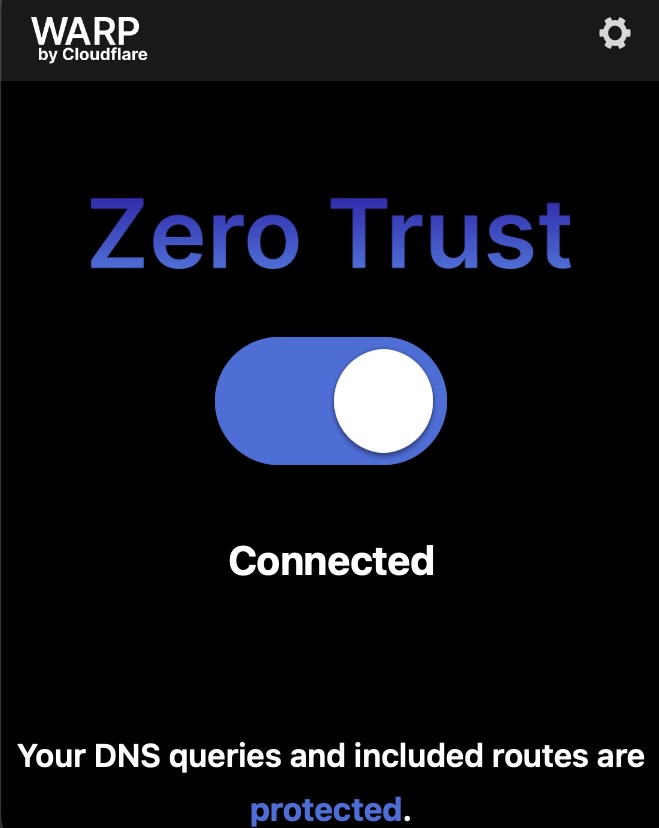
- From there an installation of the Cloudflare WARP client should allow activation from your domain's assigned team id.
Results
Testing this out while out today I was surprised at how easy this was to set up as an extension to my current config. Granted a lot of the heavy lifting was already done as I had a pre-existing stable set of cloudflared tunnels in an active deployment, from there configuring the tunnels and activating my device was surprisingly low effort.
What's next?
I'd like to shift away from the one-time sign-in codes delivered by email to an integrated SSO pipeline using my existing Google domain, which already has some additional rigour with MFA and sign-in alerting that will help keep this platform relatively safe and secure.
After that I think it's time for a DR simulation with Velero!